Set up a recurring board sweep

Get a standing report on stalled and overdue work instead of finding out by accident.

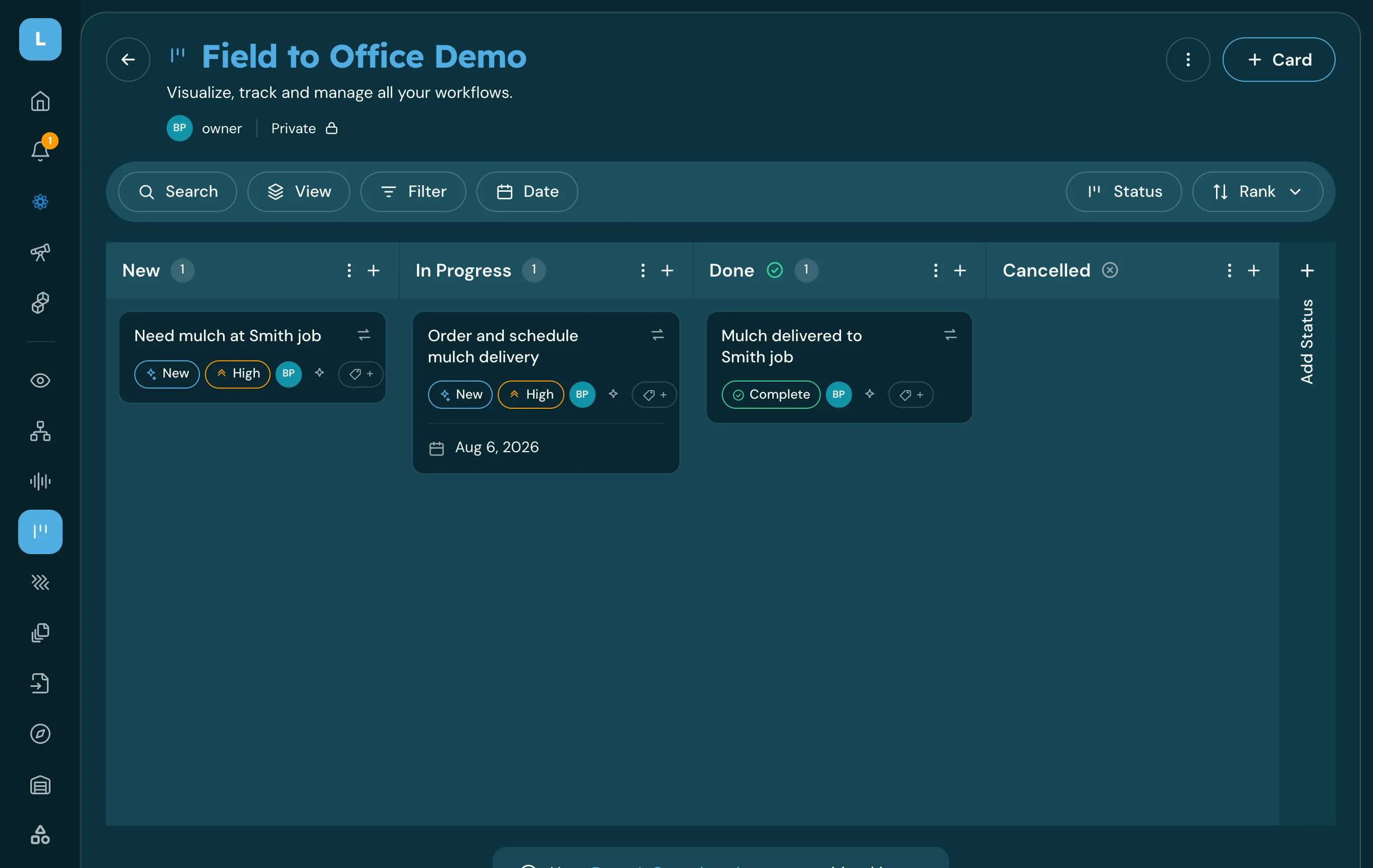
The board Lana sweeps, with the overdue and stalled work on it.

The result arrives on a schedule you set, in the place you already work.

How it works

What Lana uses

  • Your instruction, including the schedule
  • The boards and columns you named
  • Card activity, due dates and owners
  • Org-chart roles, to send the result to the right people

What you get back

  • A saved Rhythm that runs on schedule
  • A notification listing overdue and stalled cards
  • Owners and days-since-activity for each one
  • The ability to reassign or reschedule straight from the report
1

You describe the rhythm

Which board, what counts as stalled, how often, and who should hear about it.

2

Lana sets it up as a Rhythm

Recurring work that runs on your schedule rather than a reminder you have to act on.

3

It runs and reports

The result arrives as a notification with the cards, owners and how long each has been sitting.

4

You triage from the report

Reassign, reschedule or close the ones that are done — in the same conversation.

What this looks like today

Boards work until they get full. Then the useful signal — the card nobody has touched in eleven days — sits between forty cards that are fine.

Finding it depends on somebody deciding to go look, which happens right after something goes wrong.

With LeanScaper AI and Lana

  • The sweep runs whether anyone remembers or not
  • Stalled work surfaces on a schedule
  • Owners are named in the report
  • Triage takes minutes, not a meeting

Pre-built prompts to get you started

You can either type or speak to Lana in English, or Español.

Complete request

Every Monday at 7am, tell me what is overdue or stalled on the Operations board.

Ask Lana this↗

Short version

Weekly sweep of the Ops board.

Ask Lana this↗

Narrower definition

Only flag cards with no activity for seven days or more.

Ask Lana this↗

Adjusting later

Move the sweep to Friday afternoon and add the Shop board.

Ask Lana this↗

What needs to be true first

  • You need the board and access to it.
  • A Rhythm is recurring work on a schedule — a one-time reminder or a due date is a different thing.
  • The report reaches the people you name; it does not email anyone outside LeanScaper.
  • Cards need owners for the report to be useful.

Put one sweep on the calendar

Pick your busiest board and let the review happen without anybody having to remember it.