Turn a field request into visible work

Get material, equipment and site requests out of texts and onto the right board.

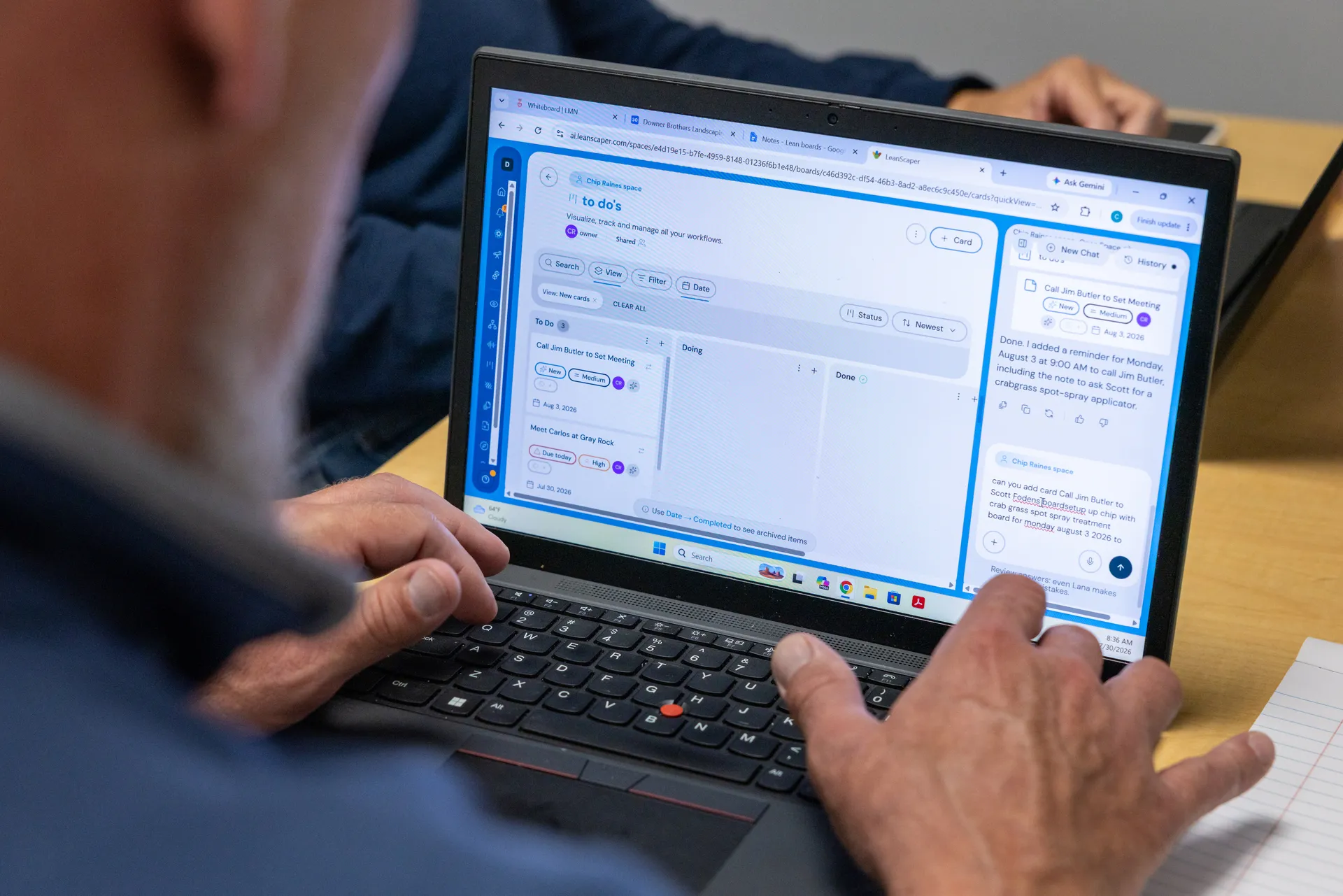
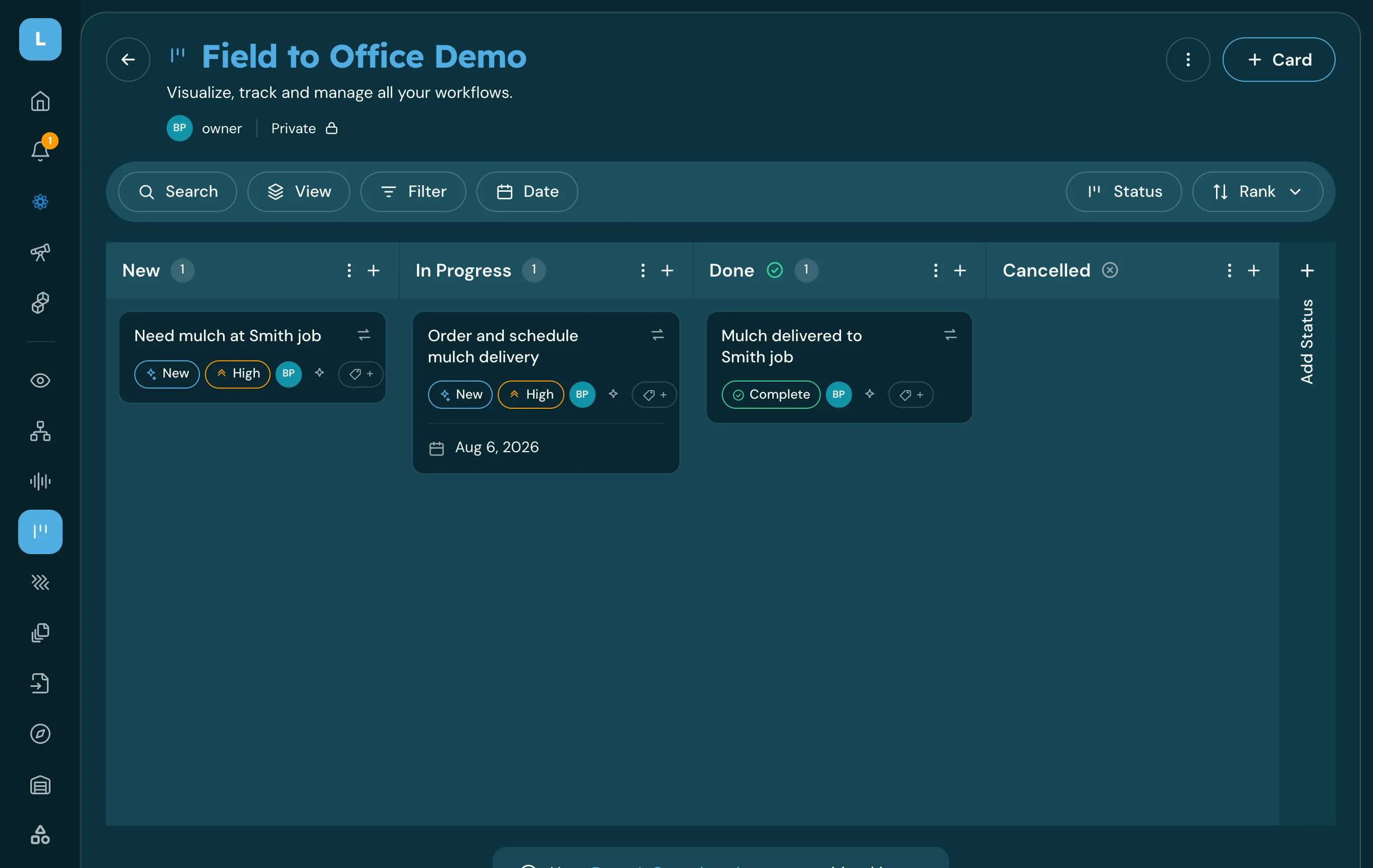
The request becomes a card with an owner and a date.

Requests sit in a column, not in somebody's inbox.

How it works

What Lana uses

  • Your message
  • Your company's boards and their columns
  • Job and property names already in LeanScaper
  • Org-chart roles and crews, to suggest an owner

What you get back

  • A card on the right board
  • Owner, date and next action filled in
  • A notification to the person who now owns it
  • A record of who asked and when
1

You tell Lana what you need

A sentence in the same words you would have texted.

2

It fills in the gaps

Lana asks only for what is missing — the job, the quantity, the date, who should own it.

3

It routes the request

The request goes to the board your company uses for material and site needs.

4

It becomes a card

An ordinary card with an owner, a date and a next action, visible to everyone who works that board.

What this looks like today

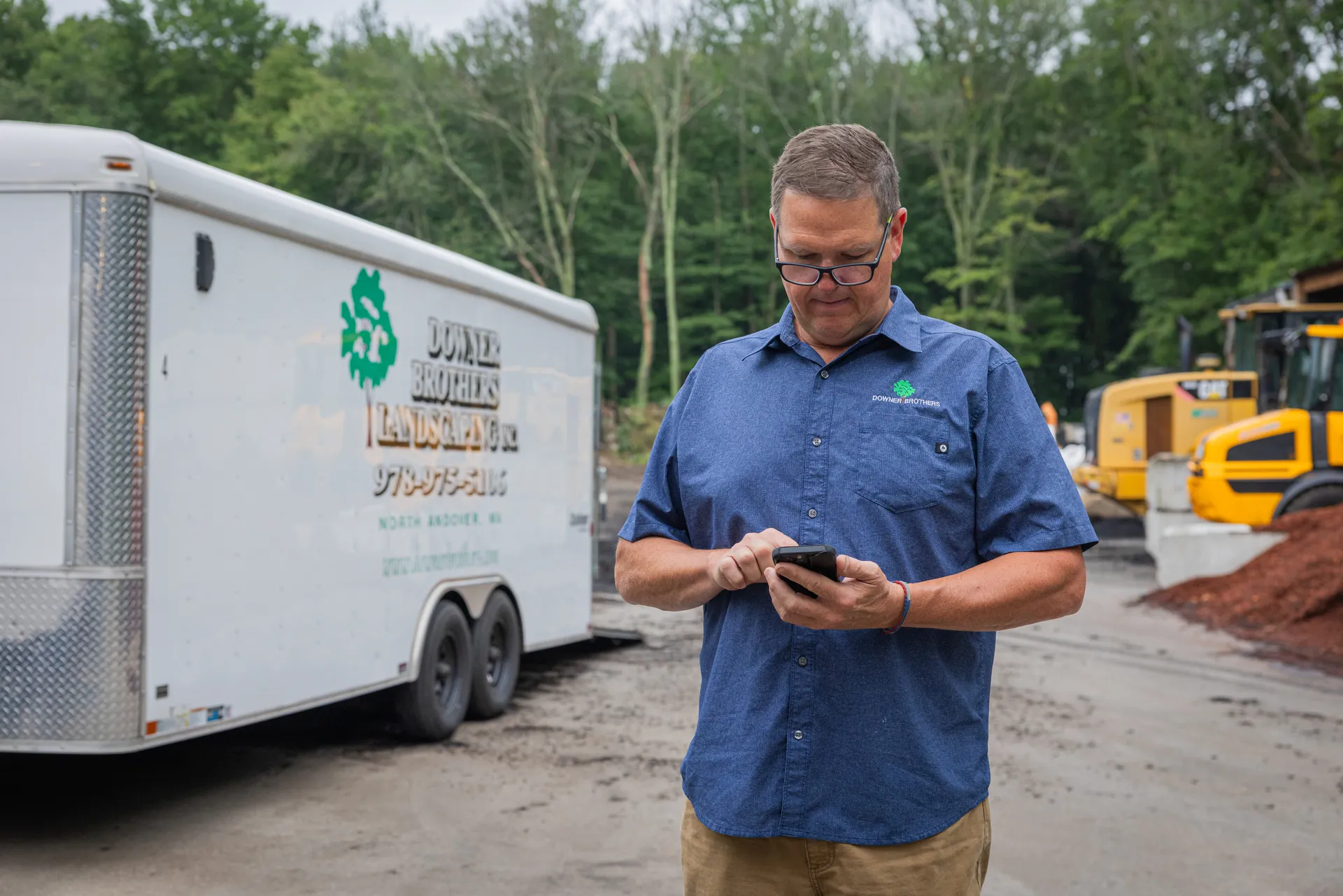
A crew leader calls the office at 4:50 with a material request. The person who answers is mid-invoice, writes it on a sticky note, and means to get to it.

Nobody can say for certain whether it was ordered until the crew shows up tomorrow and finds out.

With LeanScaper AI and Lana

  • Requests land as cards
  • Each one has an owner and a date
  • Status is visible without a phone call
  • Nothing depends on a sticky note

Pre-built prompts to get you started

You can either type or speak to Lana in English, or Español.

Complete request

We need 20 yards of black mulch delivered to the Henderson job tomorrow morning.

Ask Lana this↗

Short field-style

20 yards mulch, Henderson, tomorrow.

Ask Lana this↗

Follow-up clarification

Make it Thursday instead, and put Dave on it.

Ask Lana this↗

Voice-friendly, from the truck

Lana, tell the office we need mulch at Henderson tomorrow — about 20 yards.

Ask Lana this↗
What needs to be true first

  • You need a board for requests and access to it — Lana routes into your existing boards.
  • Job or property names Lana can recognize help; otherwise it will ask.
  • This captures a future request. Material already moved to a job is an Inventory entry instead.
  • Check the card once — Lana shows you what it understood before it saves.

Take one request off a sticky note

The next time a crew leader calls in a material need, say it to Lana instead and see where it ends up.