






Imagine everyone on your crew knowing exactly what to do, every single day
You already text your crew all day. This is that, except everyone can see it, it works in any language, and every message turns into someone's task list.
You, keys not even turned
Crew finished Memorial. Dana needs to call the client back about the lighting quote. Somebody get the irrigation guy out there Thursday.
Lana sorts it out
Lana
Posted to Luis's crew. Two tasks made. Who should own the irrigation visit?
Tasks created
- Dana: call client about lighting quote
- Rick: irrigation visit, Thursday
- Luis crew: Memorial marked done
You, mid walkthrough
Irrigation head is busted by the northeast bed. Mulch is thin along the whole front. Client wants lighting by the patio.
Lana sorts it out
Lana
Three things captured on this property. Two already have owners from your crews. The lighting one needs a quote.
On the board
- Fix irrigation head, NE bed: Luis
- Top up mulch along the front: Marco
- Quote patio lighting: unassigned
Morning huddle, recording
Sod for Oak Street didn’t show. Rick, trailer lights before Thursday. Luis, walk your guys through the new blower standard.
Lana sorts it out
Lana
Huddle saved and translated. Everyone who wasn’t there has it, and three commitments are on their owners’ lists.
Today’s task lists
- Rick: trailer 3 lights, by Thursday
- Luis: blower standard walkthrough
- Office: chase the Oak Street sod
What do you want off your plate?
Every use case shows what to say to Lana and what you get back.
Function
Outcome
All 17 use cases
No use cases match that yet.
Operations
Message the crew in one place, in any language
Every instruction, question and update in one place, in everyone's language, and every one of them becomes a task.
Tell Luis's crew we're starting at Memorial at 7 tomorrow, and Dana needs to call the client back about the lighting quote.
Messages + tasks
See how →
Operations
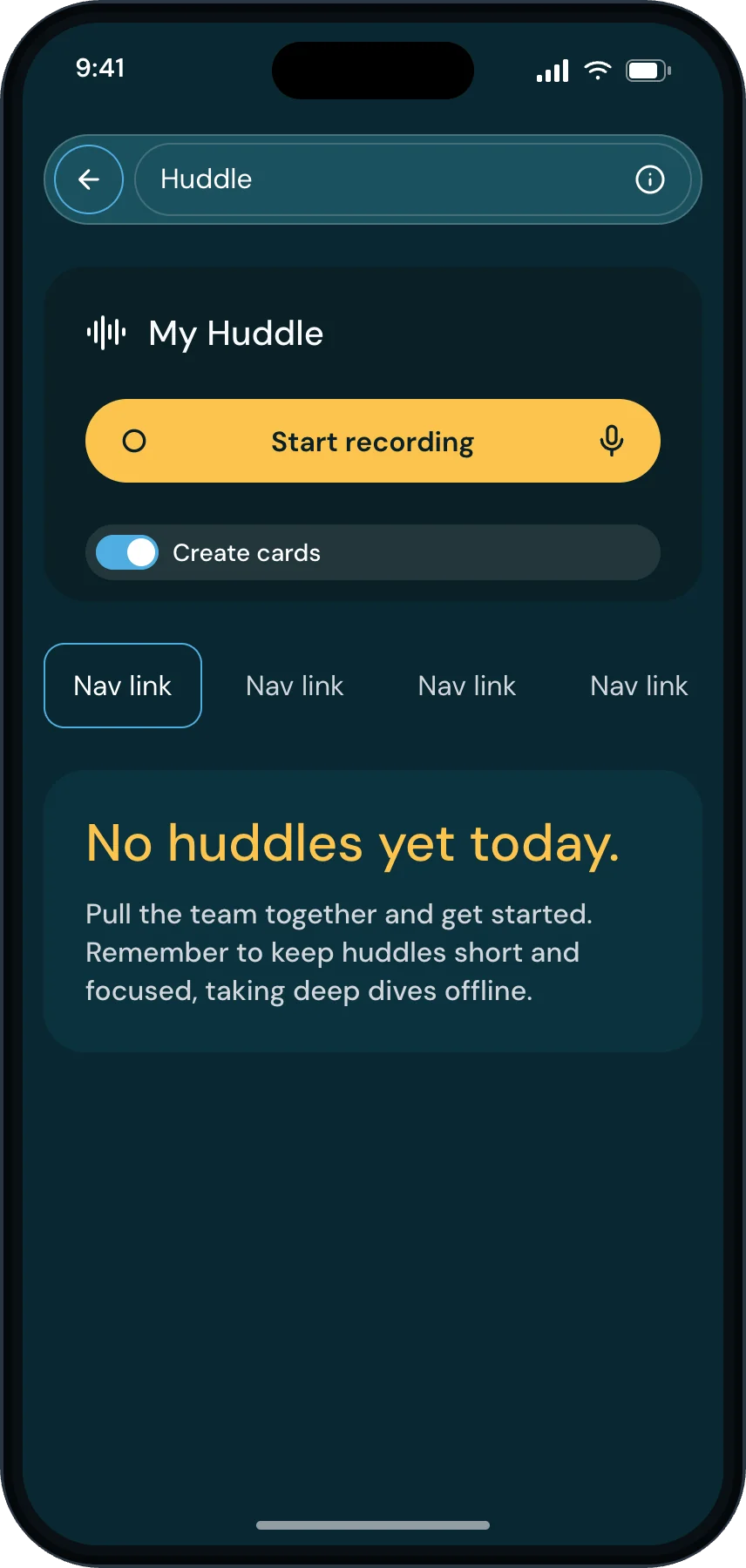
Give everyone their day on their phone
Everyone opens their phone and their day is already there. They check things off, and you see it without asking.
What's still open on everybody's task list today?
A task list on every phone
See how →
People
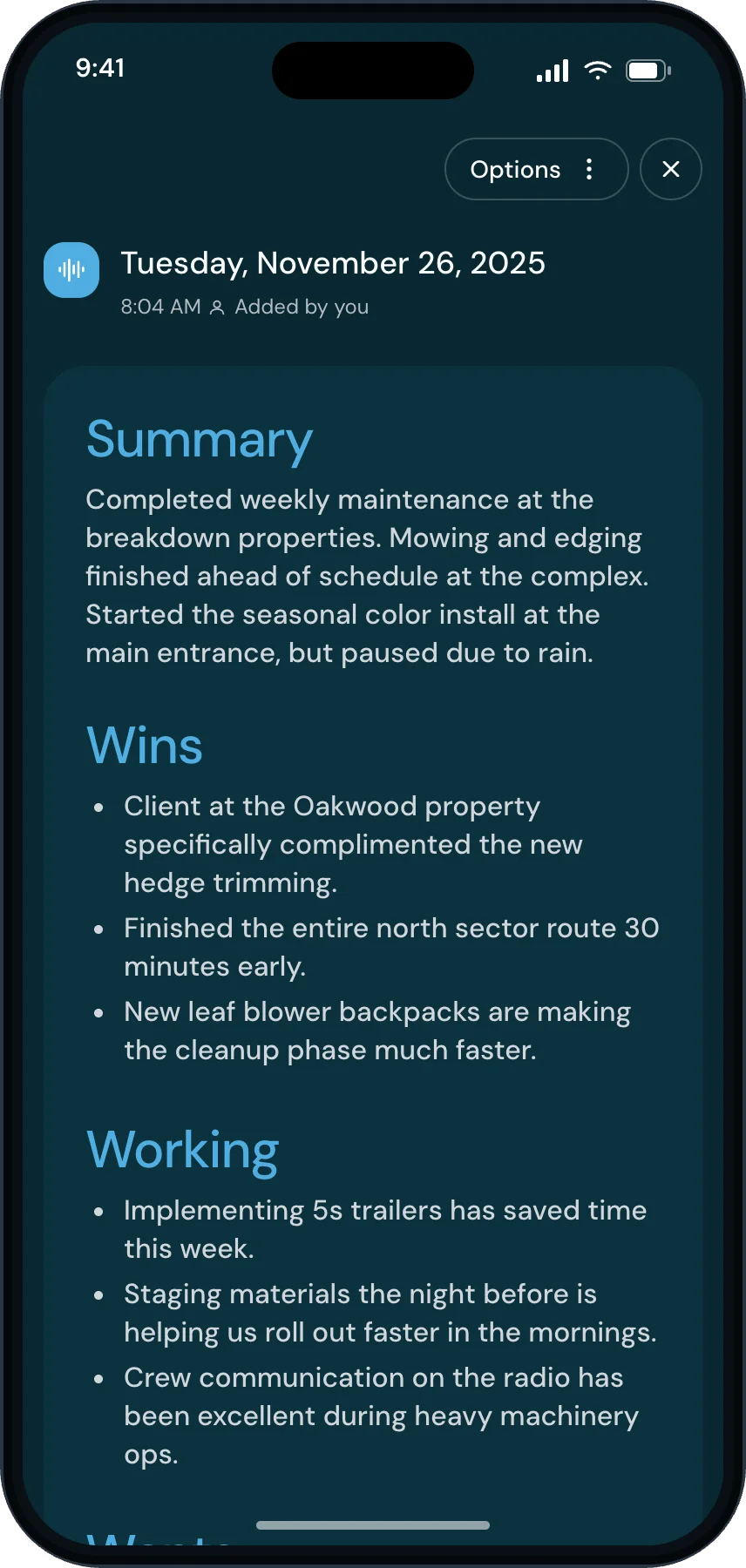
Post the week’s wins to the crews
What went right, who did it, in front of everybody. This is the habit that makes the crew want the app open.
Pull the wins from this week's huddles and draft a shout-out to the crews.
A wins post to the crews
See how →
Operations
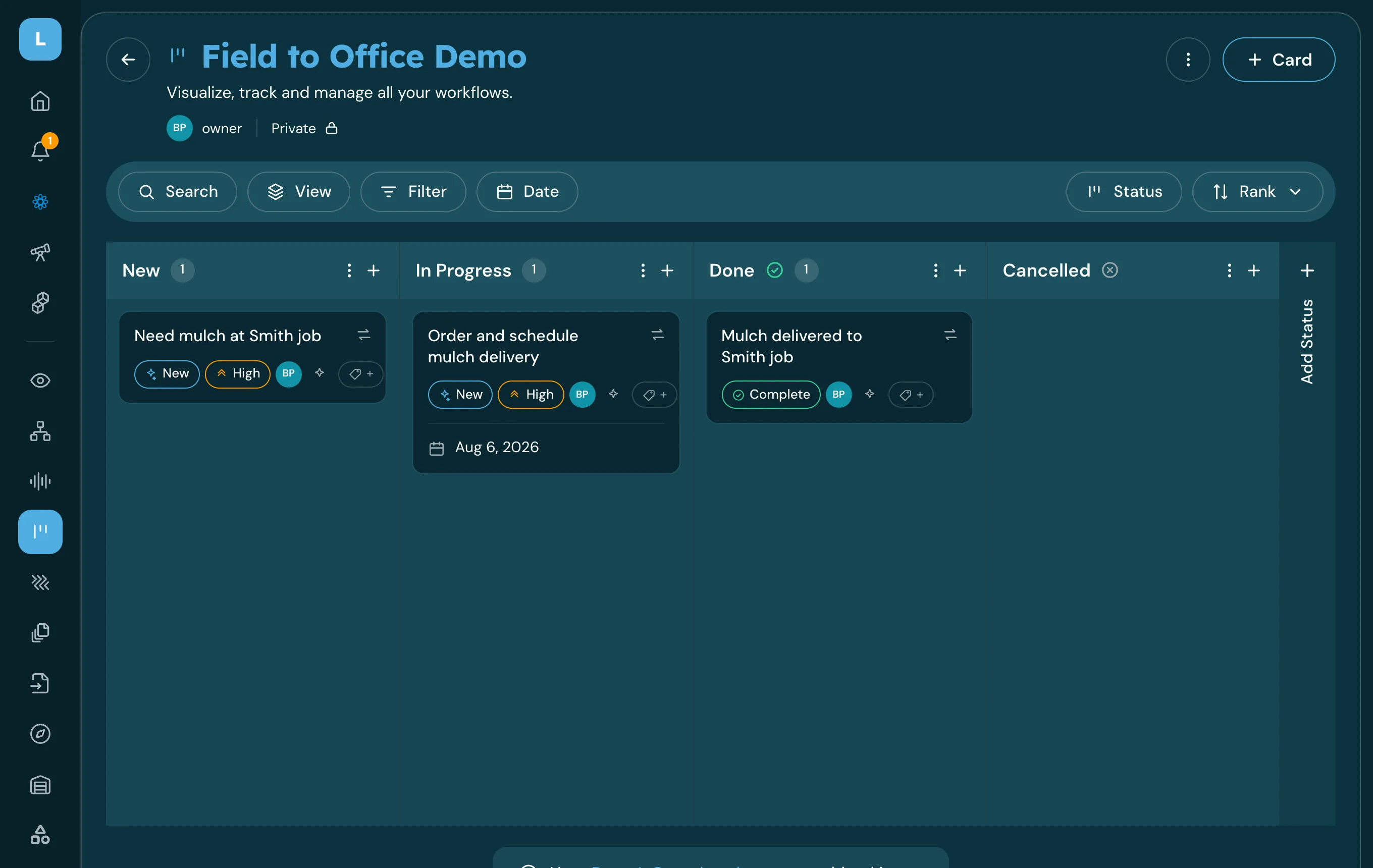
Plan next week from what actually happened
Next week built from what actually happened this week, and visible to everyone before Monday.
What's stuck on the board, and what should next week look like?
Next week's plan
See how →
Knowledge management
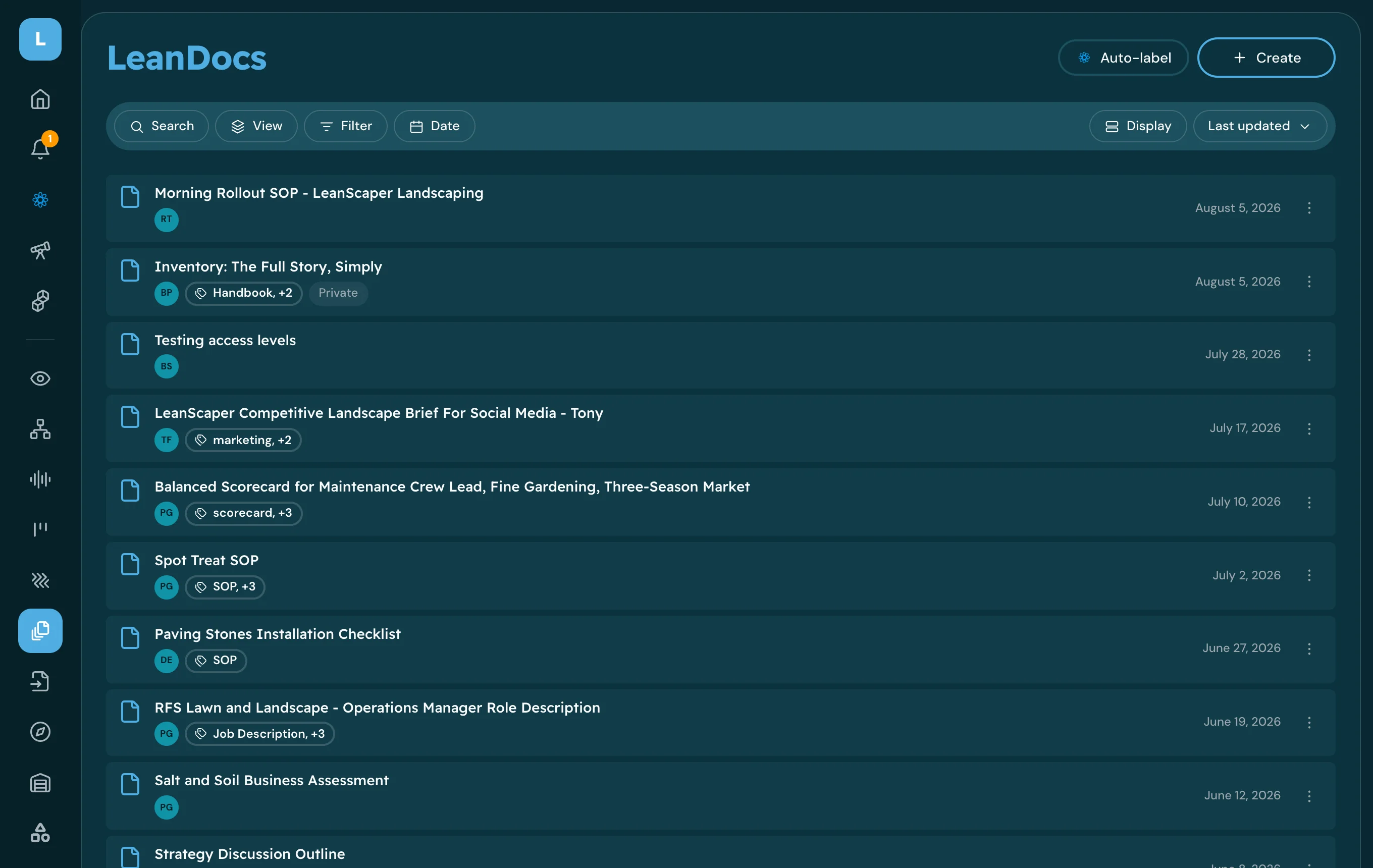
Find an answer from your company documents
Get the answer your policy or SOP already gives, with the document it came from.
What is our PTO carry-over policy for hourly crew?
Answer + source document
See how →
Knowledge management
Build an SOP by talking it through
Turn the process in your head into a written SOP your crew can follow without you.
Help me write an SOP for our spring irrigation startup.
LeanDoc SOP
See how →
Operations
Turn a field request into visible work
Get material, equipment and site requests out of texts and onto the right board.
We need 20 yards of mulch at the Henderson job tomorrow.
Ops Board card
See how →
Operations
Report an equipment or vehicle issue
Get the warning light, the hydraulic leak and the bad blade in front of the shop the day it happens.
Truck 14 has a check-engine light and it is pulling right under load.
Shop Board card
See how →
Operations
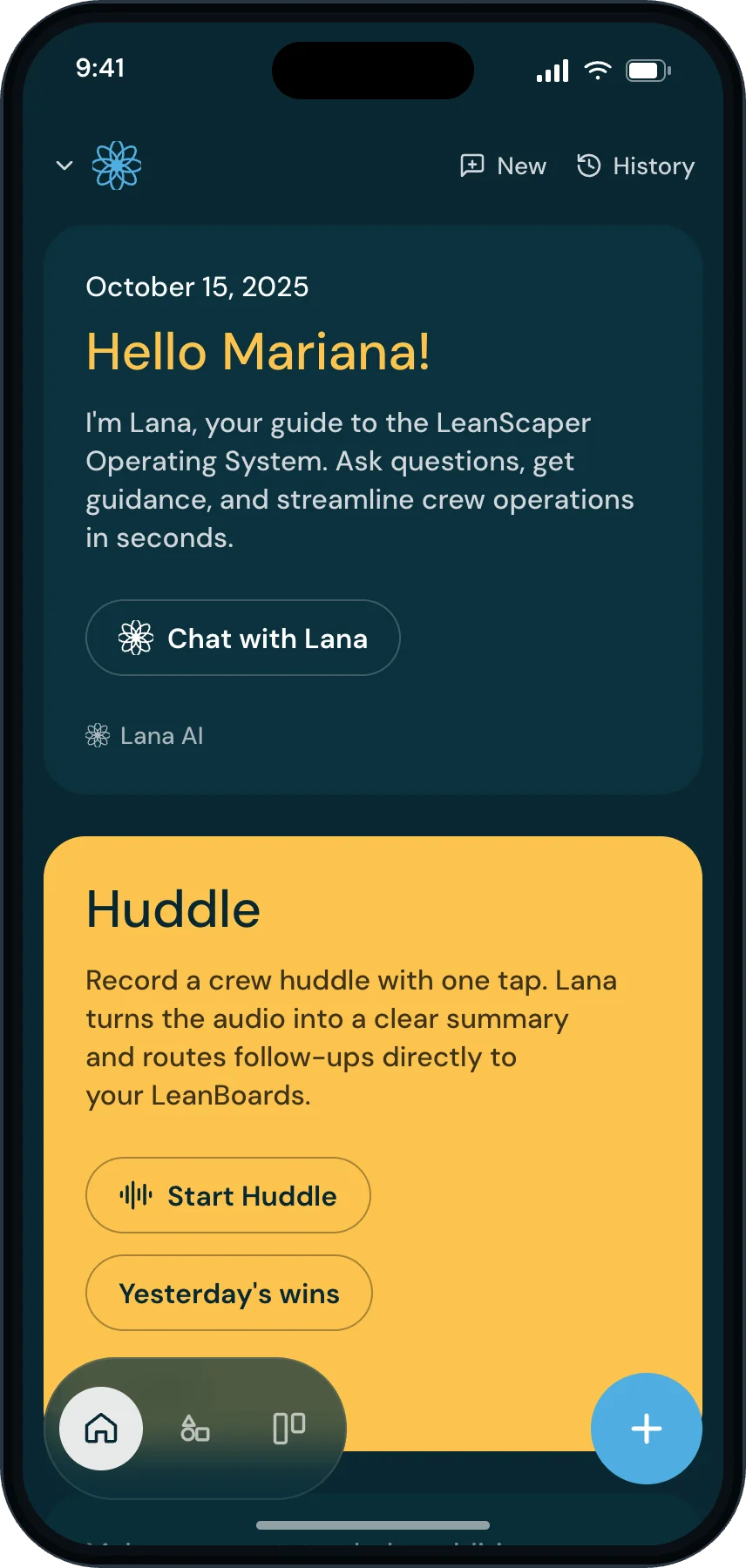
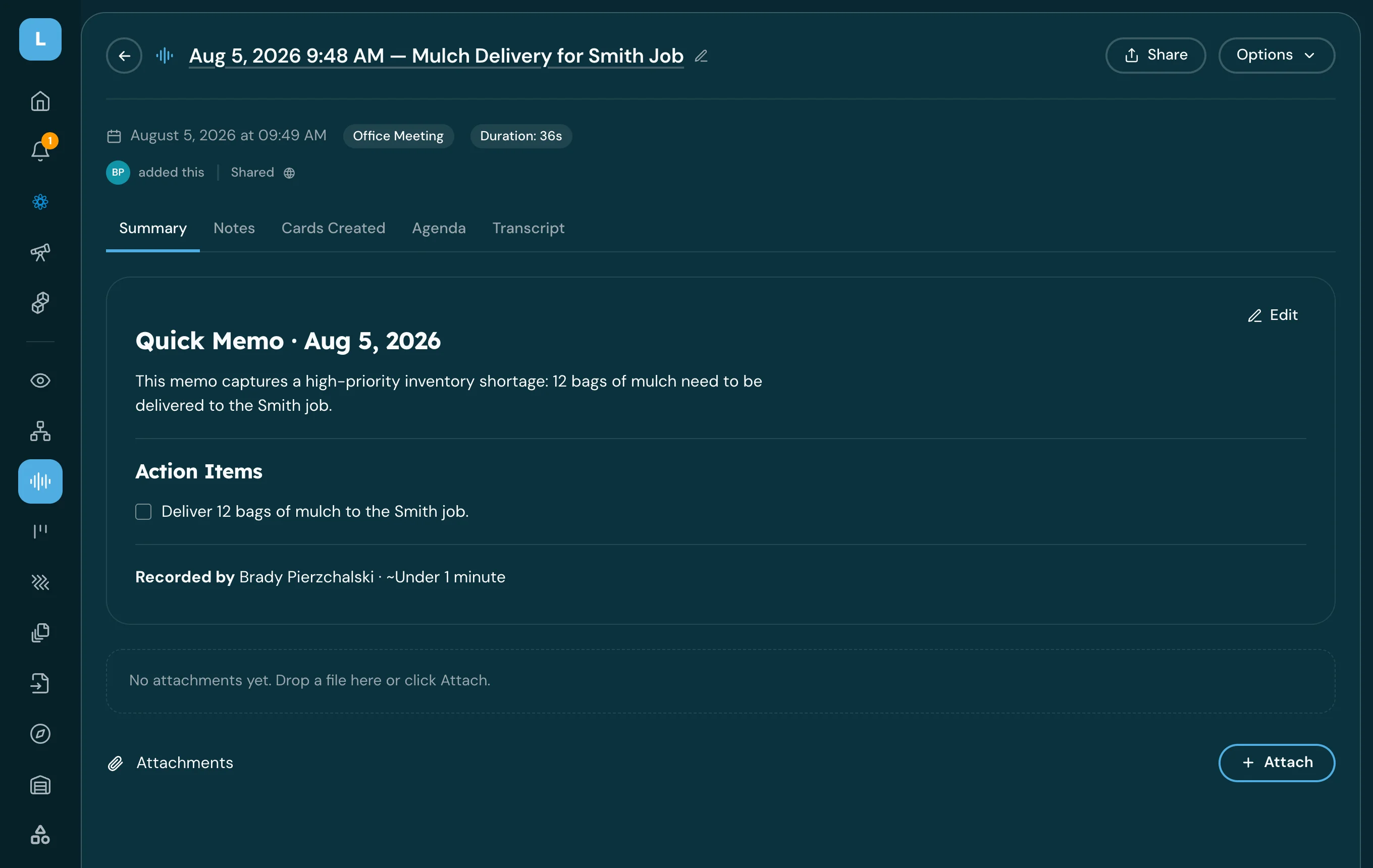
Record a huddle and turn it into action items
Leave the morning huddle with the decisions written down and the follow-ups already assigned.
Record this huddle and pull out the action items when we are done.
Huddle summary + cards
See how →
Leadership
Ask what someone committed to in a meeting
Settle who said they would do what, without relying on anybody's memory.
What did Rick say he would do in Monday's huddle?
Answer from the huddle record
See how →
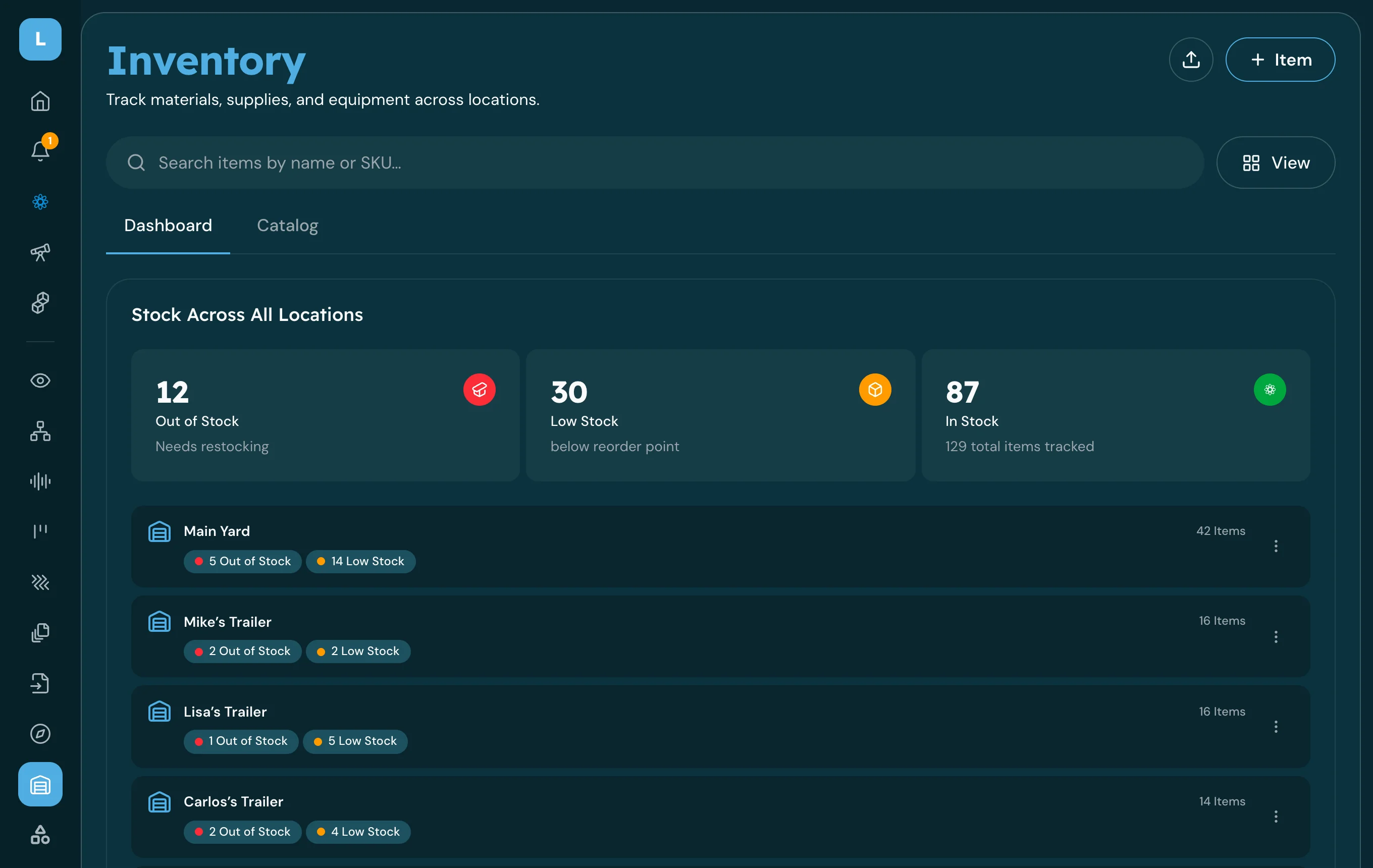
Operations
Check what you have and where it is
Answer "do we have it, and which yard is it in" without walking the shop.
How many 4-inch pop-up heads do we have, and where are they?
Stock answer by location
See how →
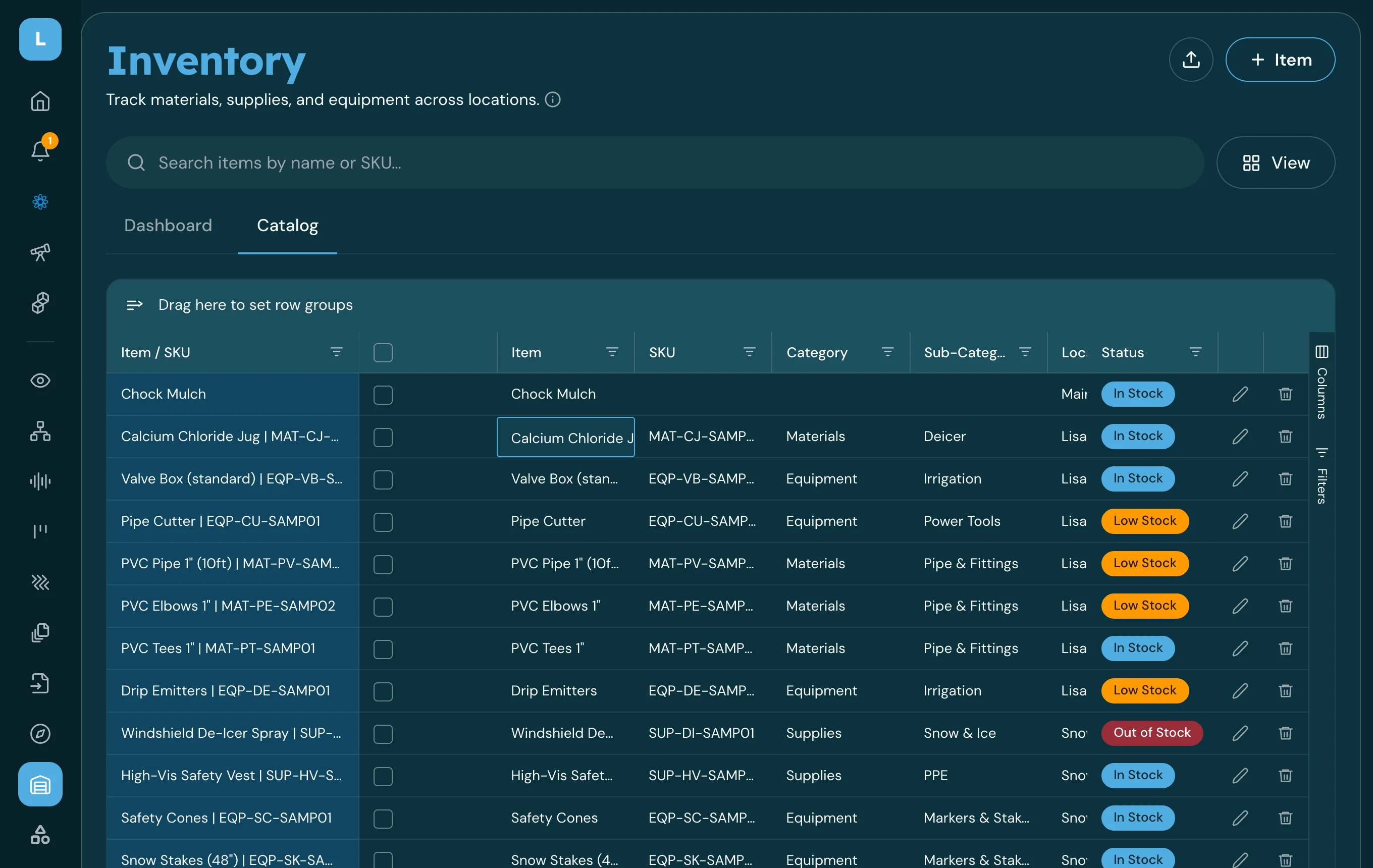
Operations
Log material taken to a job
Keep counts honest by recording what left the yard, in one sentence, at the truck.
Took 12 bags of fertilizer from the north yard to the Oak Street job.
Inventory transaction
See how →
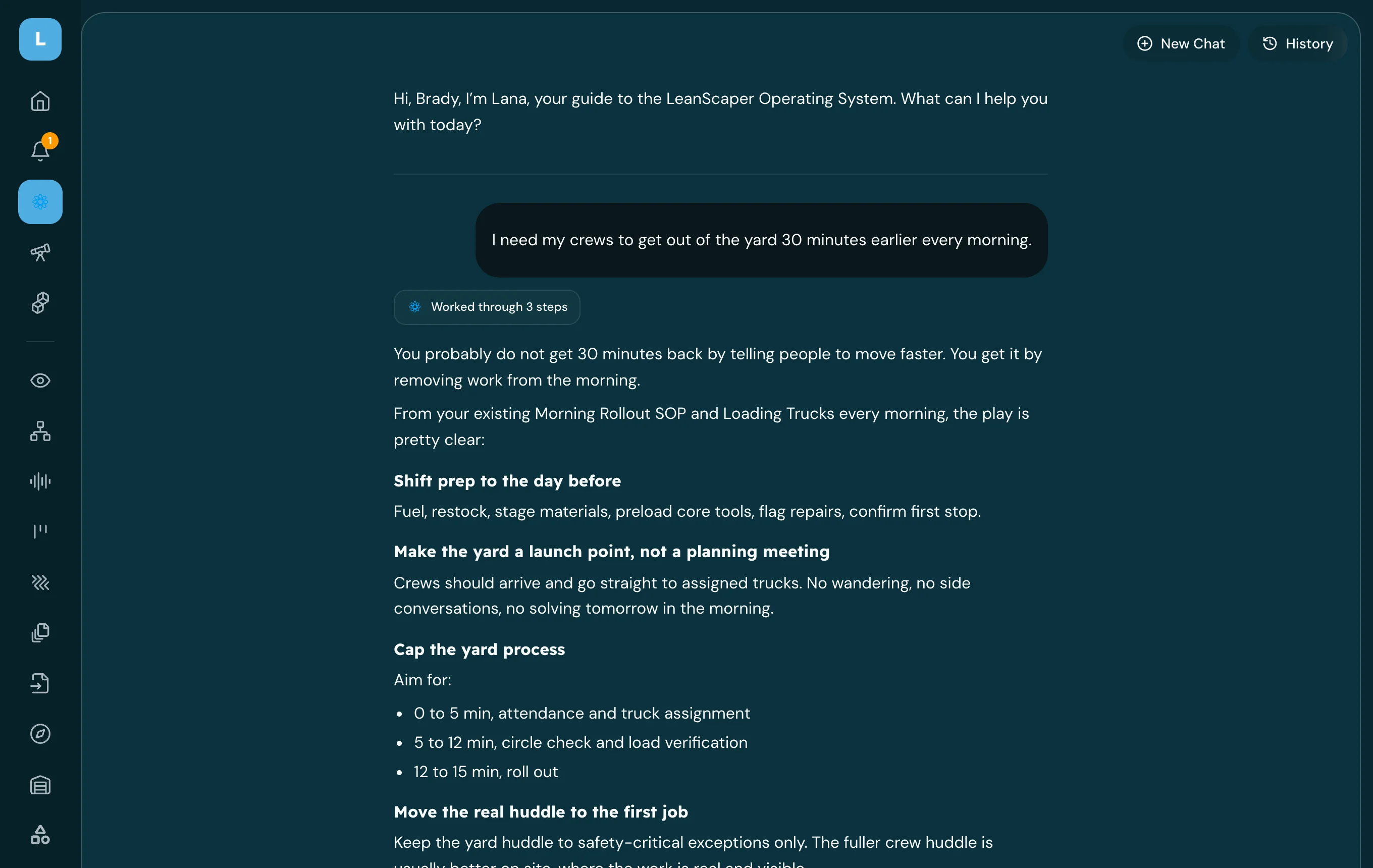
Revenue
Audit an install estimate before it goes out
Catch missing scope and pricing gaps while you can still fix them.
Audit this install estimate and tell me what is missing.
Estimate audit report
See how →
People
Build a new-hire onboarding plan
Give a new hire a real first 30, 60 and 90 days instead of a ride-along and good luck.
Build a 90-day onboarding plan for a new maintenance crew leader.
Onboarding plan + cards
See how →
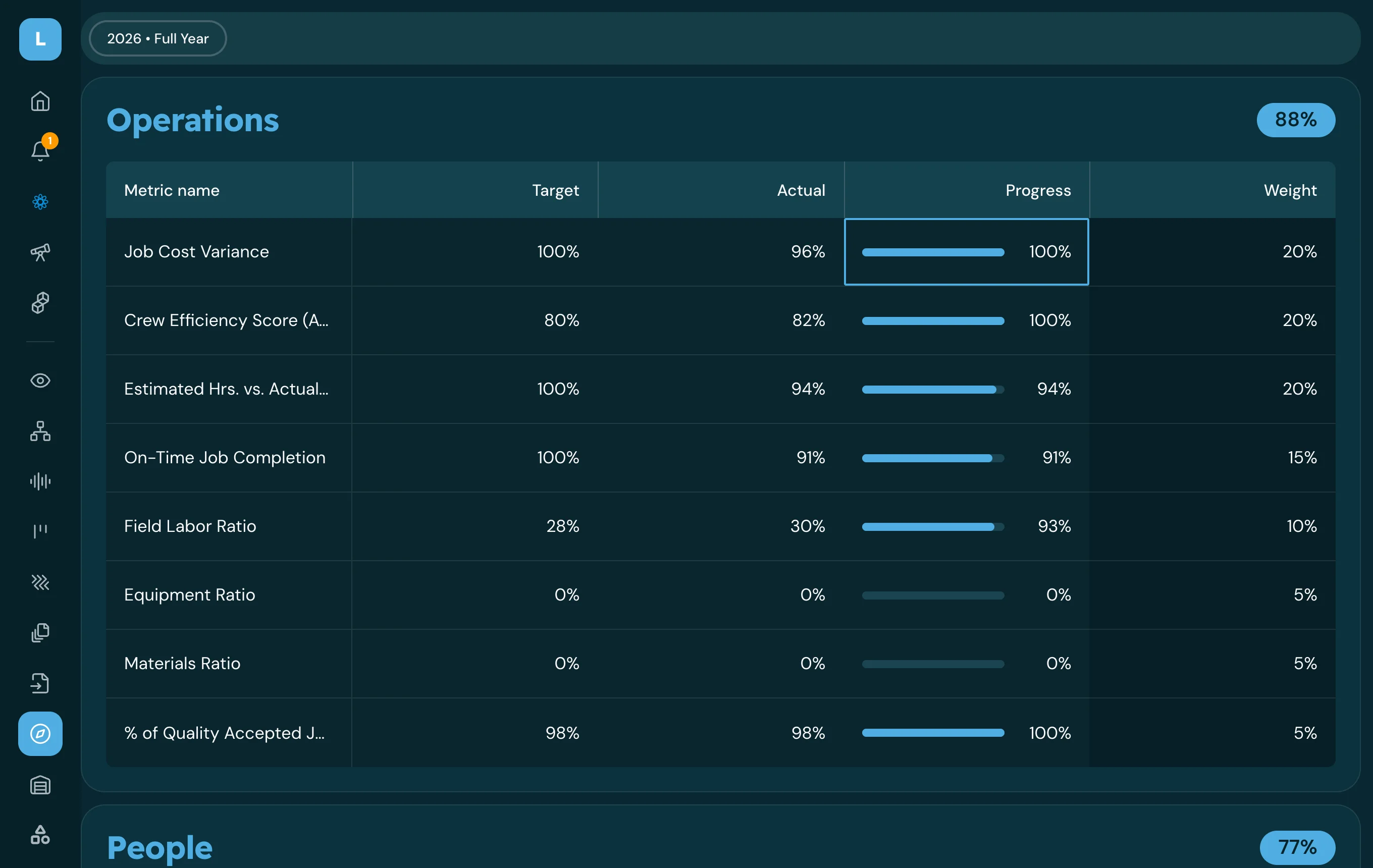
Finance
Run a weekly scorecard review
Walk into the weekly meeting knowing which numbers moved and which ones need a conversation.
Walk me through this week's scorecard and what needs attention.
Scorecard review + priorities
See how →
Operations
Set up a recurring board sweep
Get a standing report on stalled and overdue work instead of finding out by accident.
Every Monday at 7am, tell me what is overdue or stalled on the Operations board.
Rhythm + notification
See how →
Knowledge management
Turn your SOPs into an agent the team can ask
Give a crew or department one place to ask how your company does the work.
Make an agent that answers crew questions from our maintenance SOPs.
Custom agent
See how →


Stop running your business in your head
Everything starts with a message. Each step feeds the next, and you never have to file anything.
01 · Message
Say it once
Type it or talk it, in English or Spanish. It reaches everyone who should see it.
02 · Task list
It becomes someone’s day
Instructions turn into tasks on the right person’s phone. They check them off.
03 · Huddle
The yard gets captured
Record the morning huddle. Commitments come out of it with owners and dates.
04 · Board
Everything lands on its own
The board fills itself and writes tomorrow’s task lists. You rarely open it.
What owners ask first
We already text and use WhatsApp.
Good, so nobody has to learn anything new. This works the same way, except everyone who should see a message can see it, it works in any language, and every instruction becomes a task instead of sitting on one person’s phone.
My crew won’t download another app.
They don’t have to go looking for it. You send the first message, they get a text with a link, and they’re in. It spreads the same way a group chat does.
We already use LMN.
Keep it. LMN owns timekeeping, estimating, project tracking and job costing. We run the day: how it gets set up, communicated, done and closed out.
What if AI gets something wrong?
Lana shows you what it understood before anything is saved. Everything it creates is an ordinary task or card you can change, and answers from your documents come with the source.


Stop texting. Start messaging.
Three minutes. Press record, say what someone on your team needs to go do, and send it. They get a text with the link, and now they're talking in here.