






Give everyone their day on their phone
Everyone opens their phone and their day is already there. They check things off, and you see it without asking.
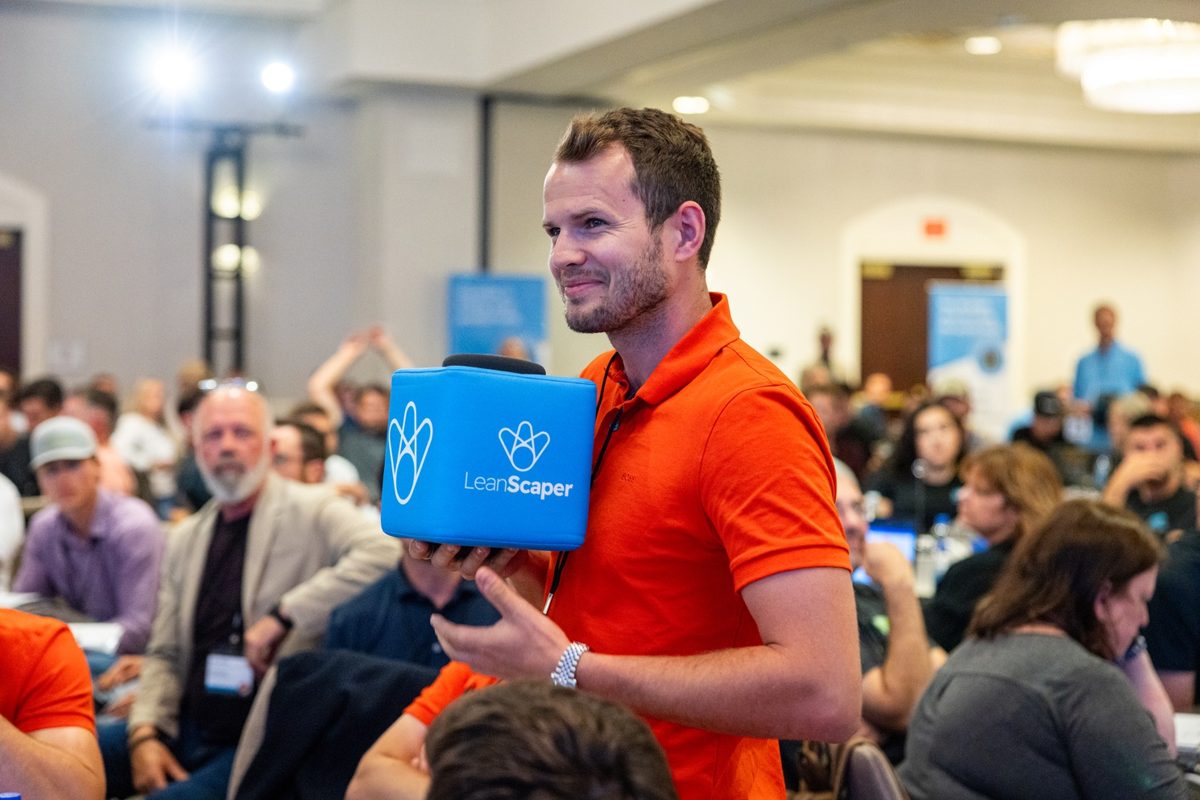
The foreman's morning: his day, on his phone.
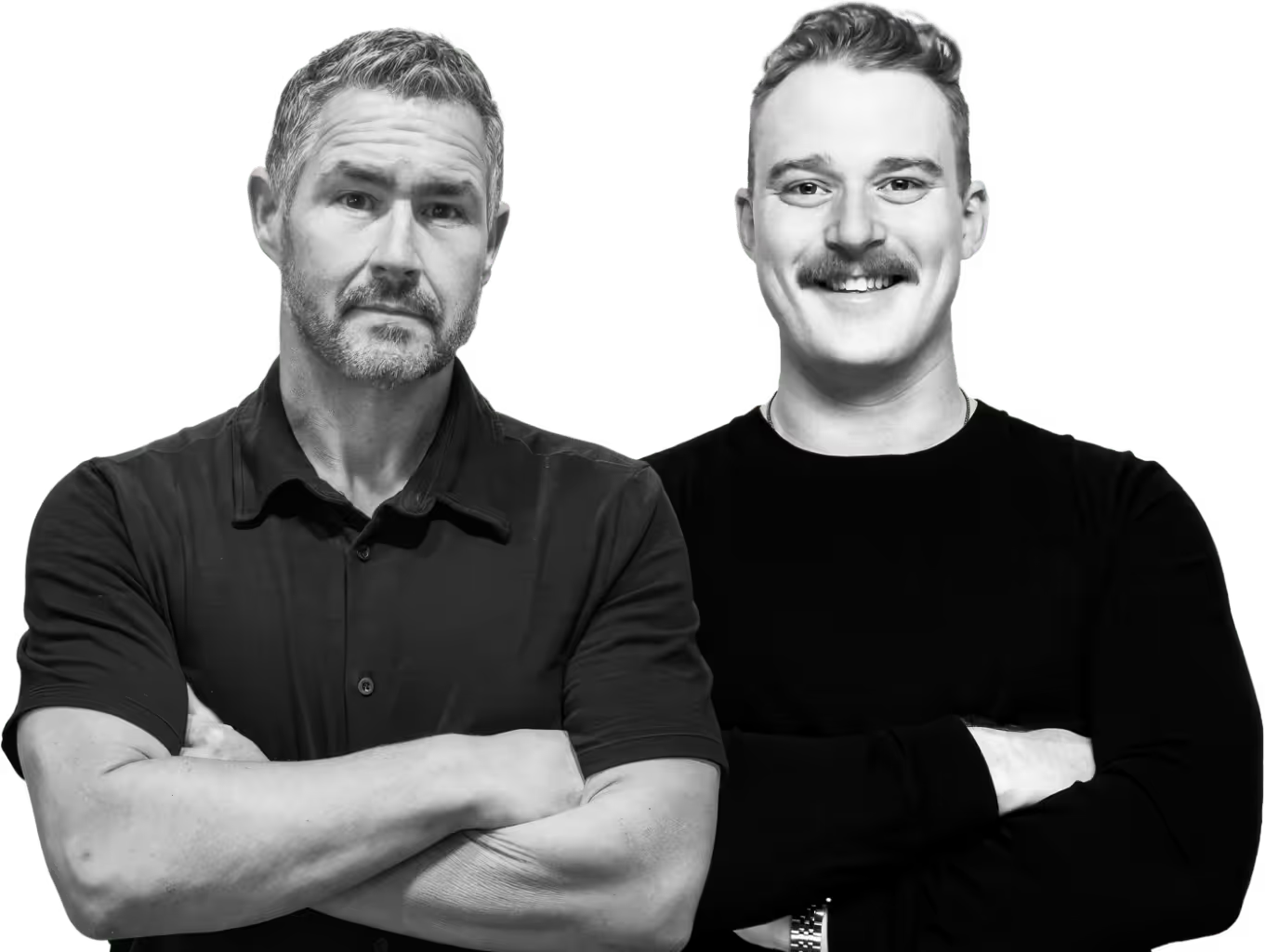
The owner's view: what got done, what is open, who is stuck.
How it works
What Lana uses
- Tasks from messages and huddles
- Tasks you or a crew lead add directly
- Who is on which crew
What you get back
- A task list on every person's phone
- Check-offs as the day happens
- An end-of-day picture of what is done and what is stuck
Tasks come from what you said
Messages and huddles create them. You rarely type one.
Everyone sees their own day
On their phone, in their language, before they get to the yard.
They check it off
As each thing happens, not at the end of the day from memory.
It reports back
You see what is done and what is stuck without calling anyone.
What this looks like today
The day gets set up in the owner's head and handed out in the yard at 6:40. Whoever was not standing there gets it secondhand, or not at all.
By evening you are calling people to find out what got done, which is exactly the part of the business you wanted out of your head.
With LeanScaper AI and Lana
- Everyone wakes up knowing their day
- Check-offs report back on their own
- Nobody has to be chased
- Patterns show who needs help and what needs fixing
Pre-built prompts to get you started
You can either type or speak to Lana in English, or Español.
Status
“What's still open on everybody's task list today?”
Ask Lana thisOne person
“What does Marco have left today?”
Ask Lana thisAdd a task
“Put "load the aerator on trailer 2" on Andre's list for tomorrow morning.”
Ask Lana thisThe couch review
“What didn't get done today, and why?”
Ask Lana this
What needs to be true first
- Messaging and huddles running, since that is where most tasks come from
- Your team on the app, so each person has their own list
- A habit of checking off in the moment. That is the part to coach in week one
Try these next
Operations
Message the crew in one place, in any language
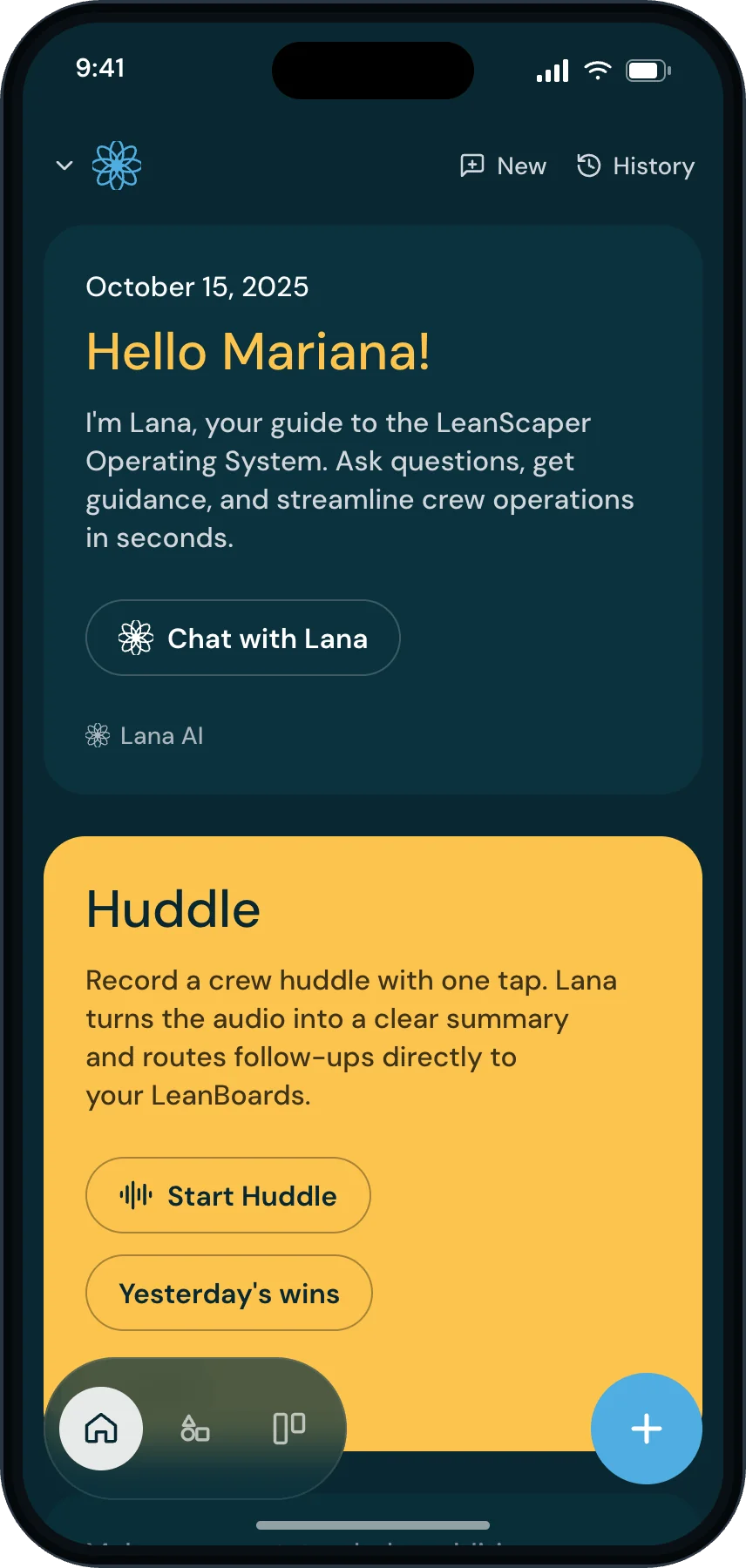
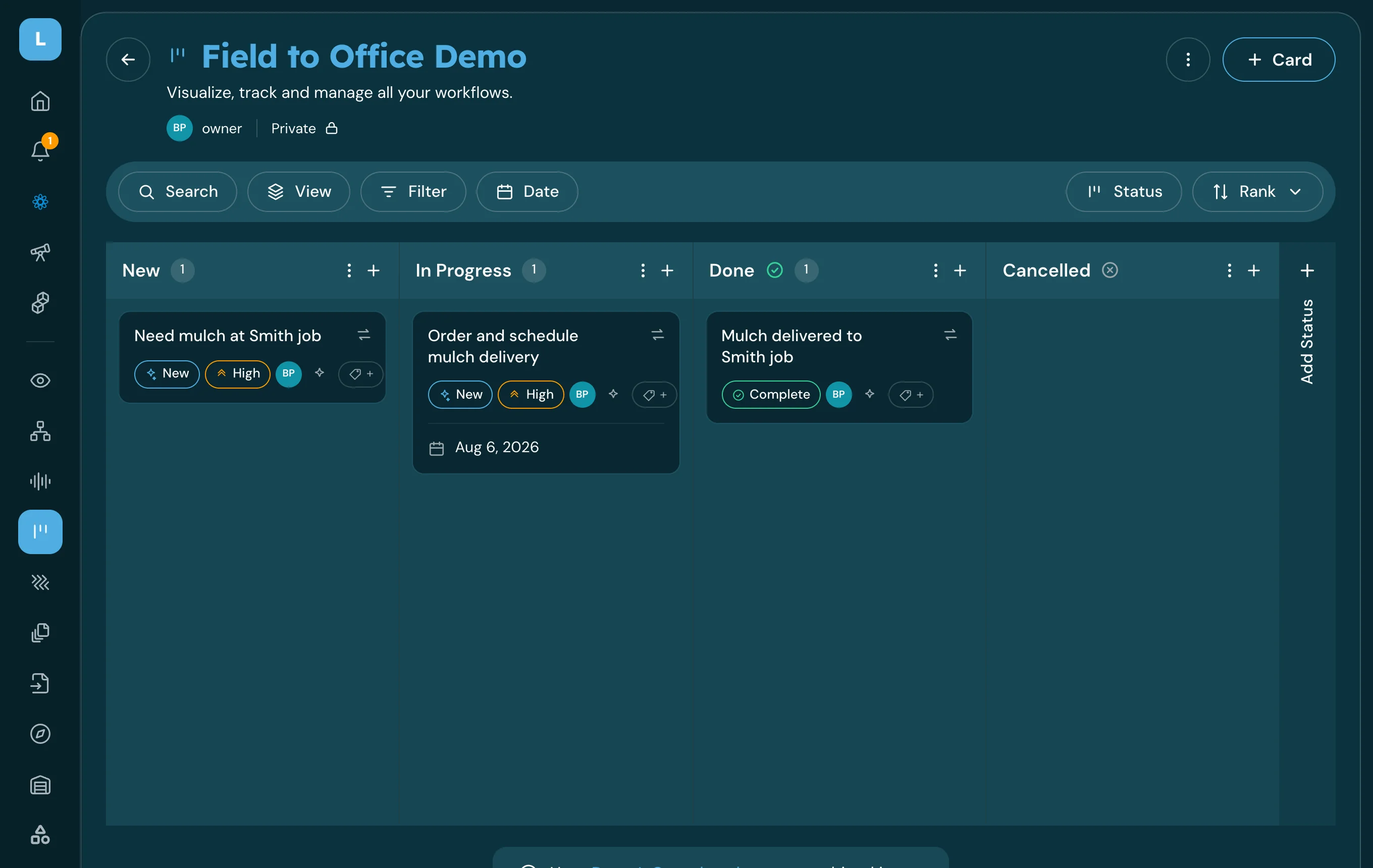
Every instruction, question and update in one place, in everyone's language, and every one of them becomes a task.
You get: Messages + tasks
See how →
Operations
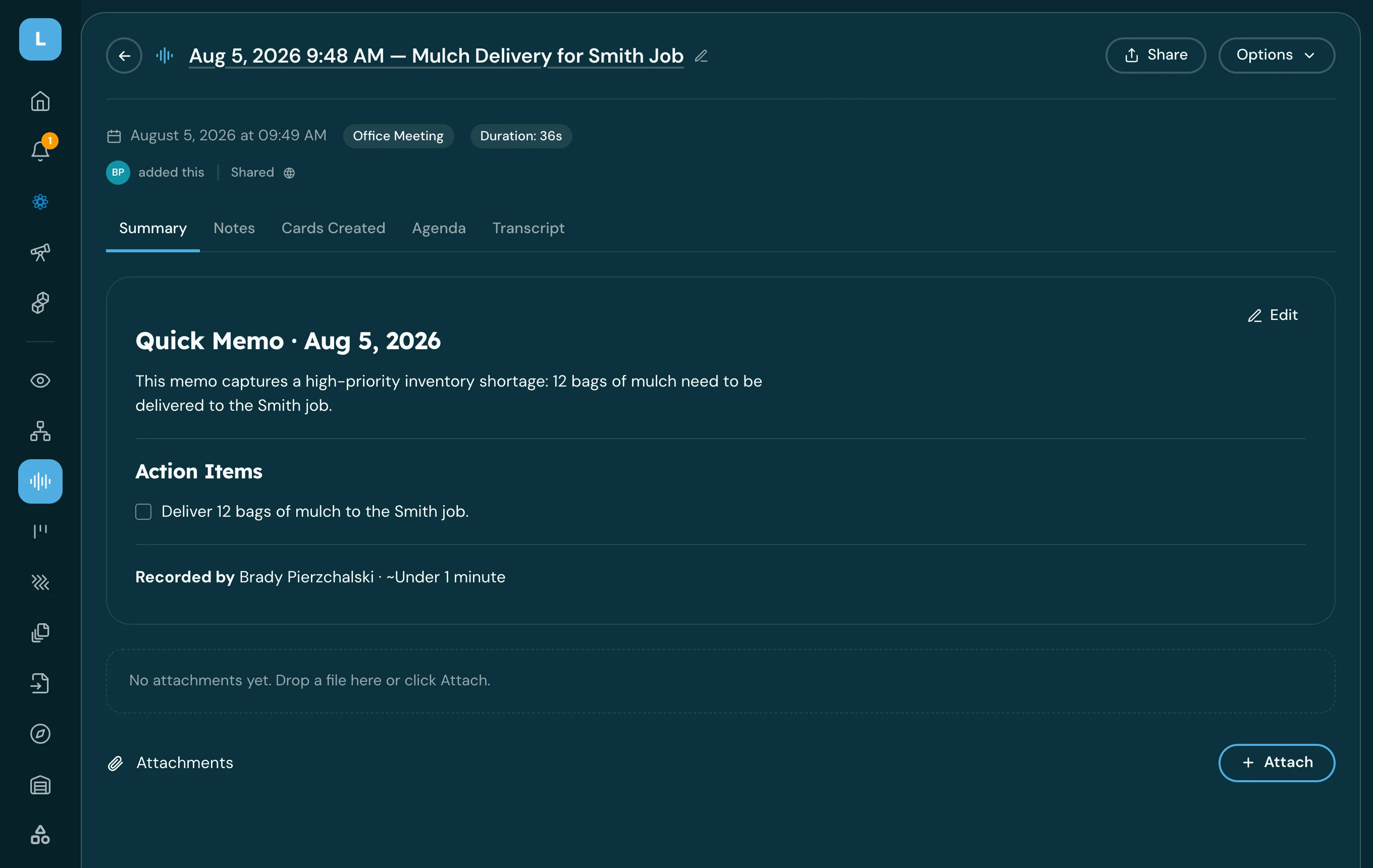
Record a huddle and turn it into action items
Leave the morning huddle with the decisions written down and the follow-ups already assigned.
You get: Huddle summary + cards
See how →
Operations
Plan next week from what actually happened
Next week built from what actually happened this week, and visible to everyone before Monday.
You get: Next week's plan
See how →


Give your crew their day on their phone
Start with one crew for one week, and watch what stops needing a phone call.