






Message the crew in one place, in any language
Every instruction, question and update in one place, in everyone's language, and every one of them becomes a task.
Your crew on your phone: talk, don't type.
Lana turns what was said into tasks with owners.
How it works
What Lana uses
- Your message, typed or spoken
- Crew channels from your org chart
- Who is who, so tasks go to the right person
What you get back
- A message everyone who should see it can see
- A translation for anyone who reads another language
- Tasks on the right people's lists
- A record of what was said and when
Say it the way you would text it
Type it or hold the button and talk. English, Spanish, both.
It lands in the right channel
Crew channels come from your org chart, so the message reaches the people it is about.
Everyone reads it in their language
A crew lead records in Spanish and the owner reads it in English, and the other way round.
Instructions become tasks
"Dana, call them back Thursday" turns into a task on Dana's list, without anyone typing it twice.
What this looks like today
You already text your crew all day. The problem is where it goes: one person's phone, a voice memo nobody keeps, a group chat with the wrong people in it.
Then comes the argument you have had a hundred times. You told them. They say you never said it. There is no record either way.
With LeanScaper AI and Lana
- One place for every crew conversation
- Everyone reads it in their language
- Instructions turn into tasks automatically
- A record and an acknowledgment
Pre-built prompts to get you started
You can either type or speak to Lana in English, or Español.
The truck door
“Crew finished Memorial. Dana needs to call the client back about the lighting quote. Somebody get the irrigation guy out there Thursday.”
Ask Lana thisOne instruction
“Tell Luis's crew we're starting at Memorial at 7 tomorrow.”
Ask Lana thisIn Spanish
“Luis, mañana empezamos en Memorial a las siete.”
Ask Lana thisA question to the crew
“Who has the trailer with the aerator on it?”
Ask Lana this
What needs to be true first
- Your crews set up in the org chart, so channels exist
- Your team on the app. They get a text with a link the first time you message them
- Say names and days out loud and the tasks come out right
Try these next
Operations
Give everyone their day on their phone
Everyone opens their phone and their day is already there. They check things off, and you see it without asking.
You get: A task list on every phone
See how →
Operations
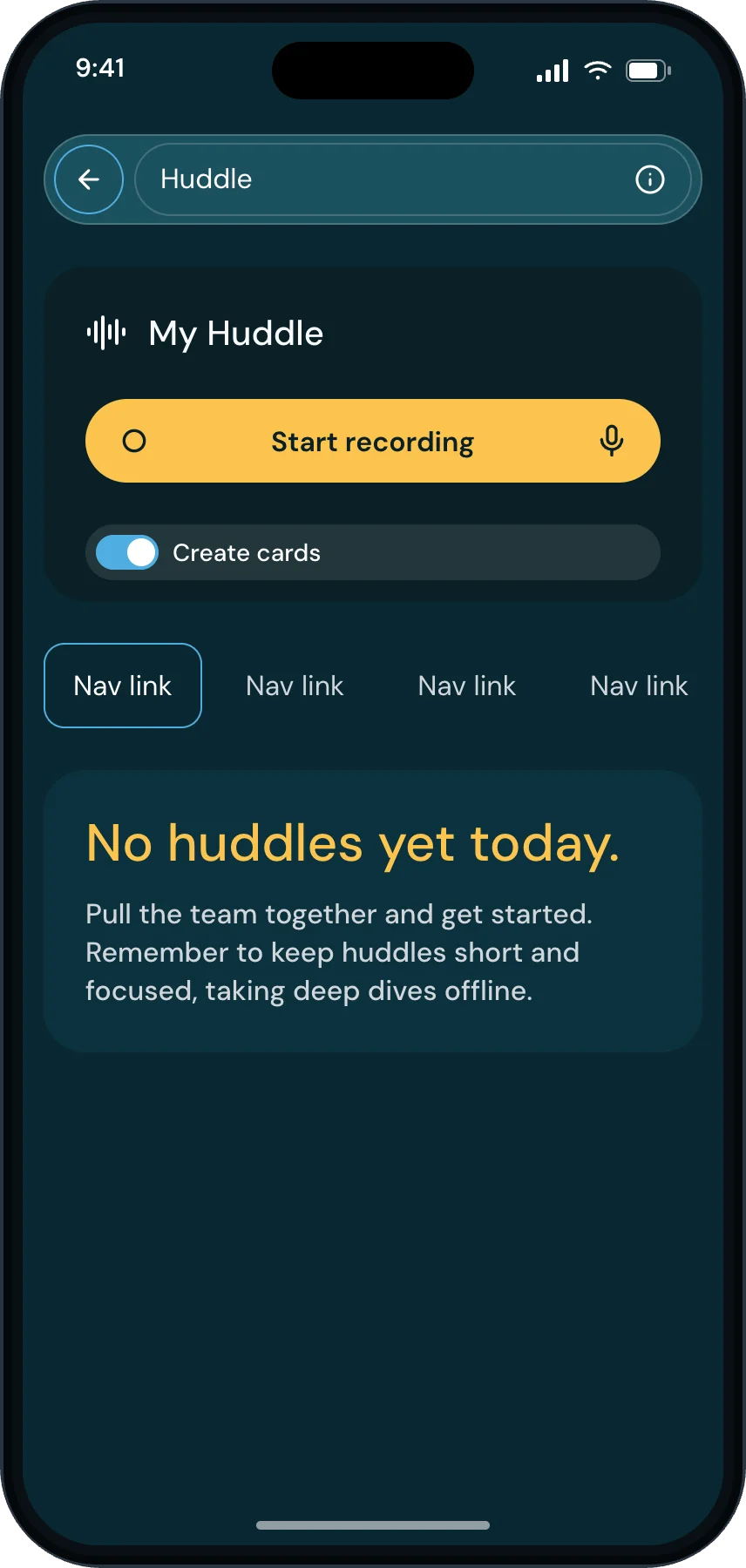
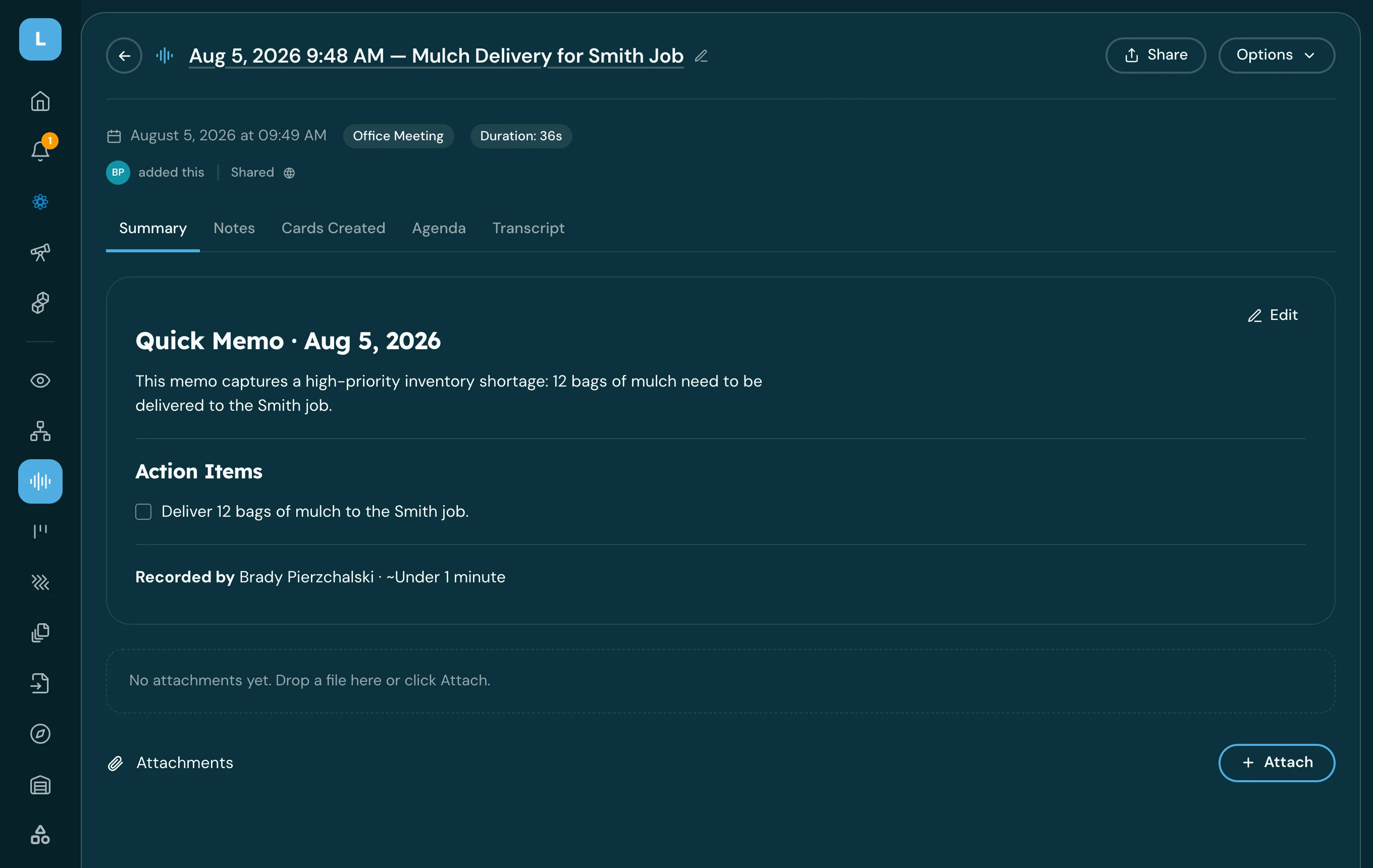
Record a huddle and turn it into action items
Leave the morning huddle with the decisions written down and the follow-ups already assigned.
You get: Huddle summary + cards
See how →
People
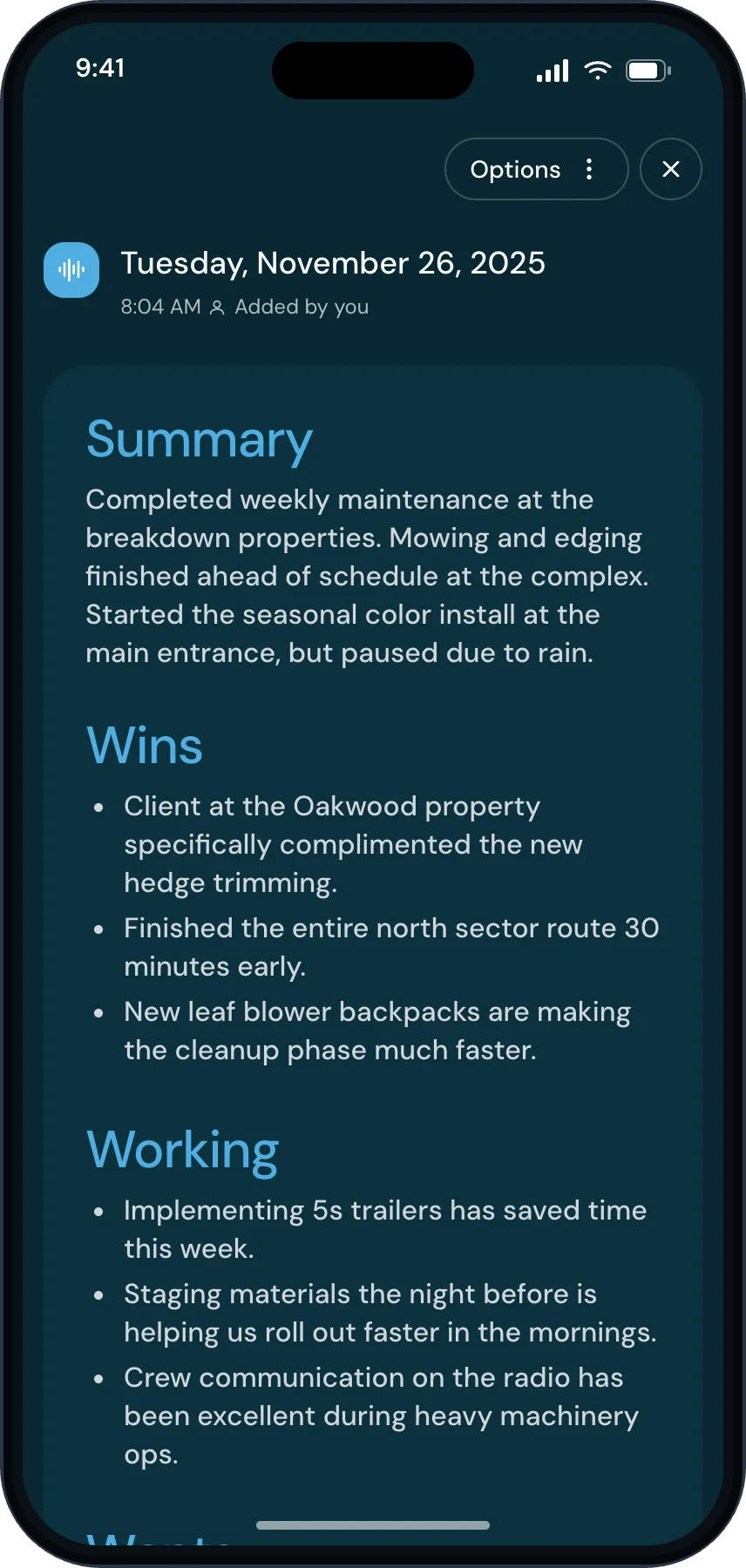
Post the week’s wins to the crews
What went right, who did it, in front of everybody. This is the habit that makes the crew want the app open.
You get: A wins post to the crews
See how →


Send your first message in here
Three minutes. Press record, say what someone on your team needs to go do, and send it.