









Audit an install estimate before it goes out
Catch missing scope and pricing gaps while you can still fix them.
Upload the estimate and ask for the audit.
The audit is a document you can hand to the estimator.
How it works
What Lana uses
- The estimate you upload or paste
- Your own SOPs and service descriptions in LeanScaper, when they exist
- Landscape-industry install practice for common scope gaps
- Notes you add about the site or the client
What you get back
- A written audit with the gaps listed
- Scope items that appear to be missing
- Assumptions worth confirming before it goes out
- Questions to take back to the client or the designer
You share the estimate
Upload the file or paste the scope and line items.
Lana runs the audit
It works through an install checklist: scope completeness, quantities, access, disposal, mobilization, labor assumptions.
It reports the gaps
What is missing, what looks thin, and what it could not verify from the document.
You decide what to change
The audit is an opinion for the estimator, not an edit to the estimate.
What this looks like today
An install estimate goes out with the disposal missing, or the access constraint unpriced, or a labor line that assumes a crew nobody has.
The gap does not show up in the estimate review. It shows up in week three of the job, as a margin problem.
With LeanScaper AI and Lana
- Every estimate gets the same review
- Gaps surface before the number is sent
- Newer estimators learn from the audit
- Fewer conversations that start with "we did not price that"
Pre-built prompts to get you started
You can either type or speak to Lana in English, or Español.
Complete request
“Audit this install estimate and tell me what scope or pricing is missing.”
Ask Lana thisShort version
“Review this estimate.”
Ask Lana thisNarrower ask
“Just check this estimate for missing disposal, access and mobilization.”
Ask Lana thisSecond opinion
“Argue the other side of this estimate — where would this job go wrong?”
Ask Lana this
What needs to be true first
- You need the estimate as a file or pasted text — Lana audits what you give it.
- LeanScaper is not where you build the estimate. LMN remains the operational system for estimating, budgeting and job costing.
- The audit is advice. The estimator decides what changes.
- Audits are sharper when your SOPs and service descriptions are in LeanScaper.
Try these next
Knowledge management
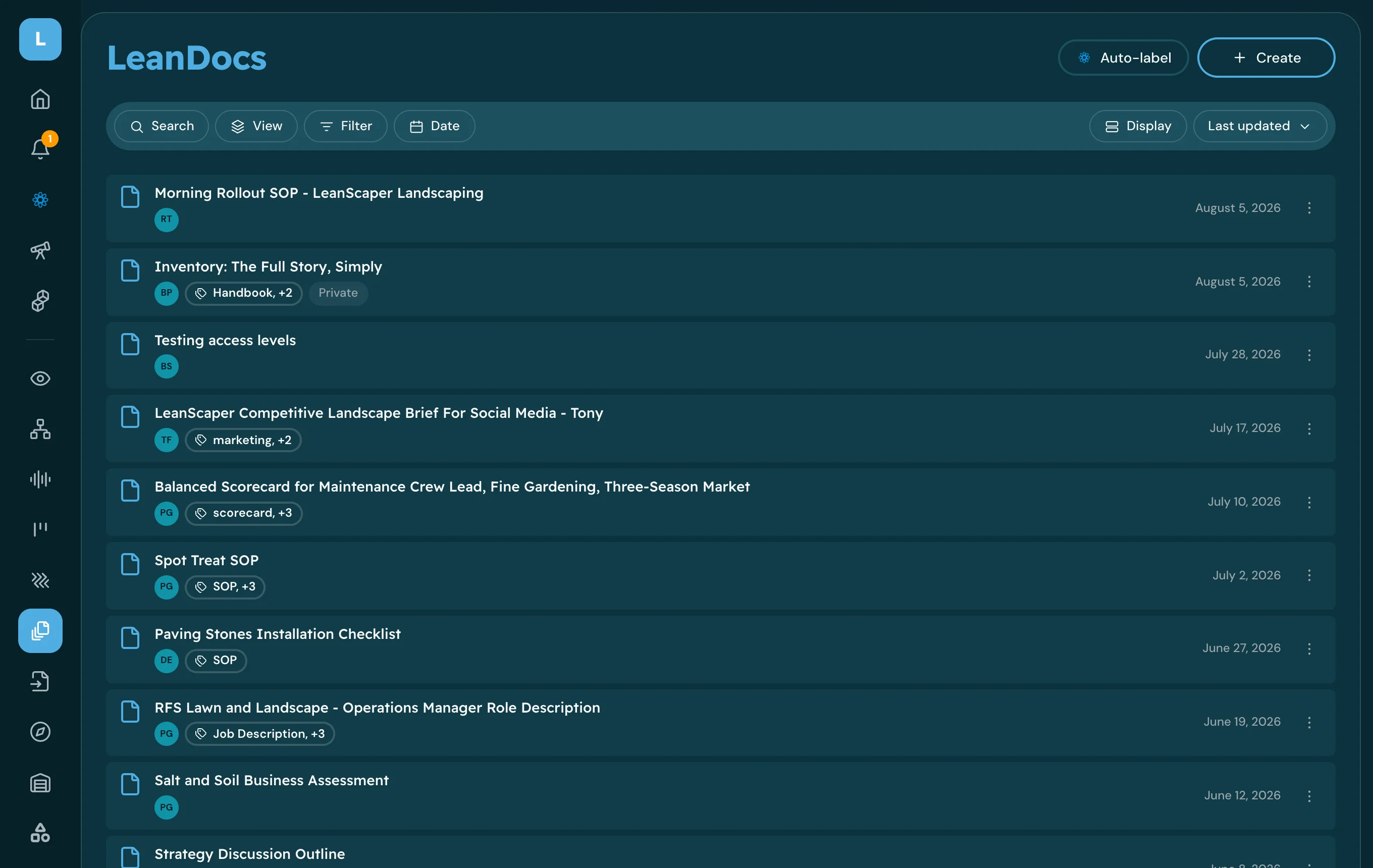
Build an SOP by talking it through
Turn the process in your head into a written SOP your crew can follow without you.
You get: LeanDoc SOP
See how →
Finance
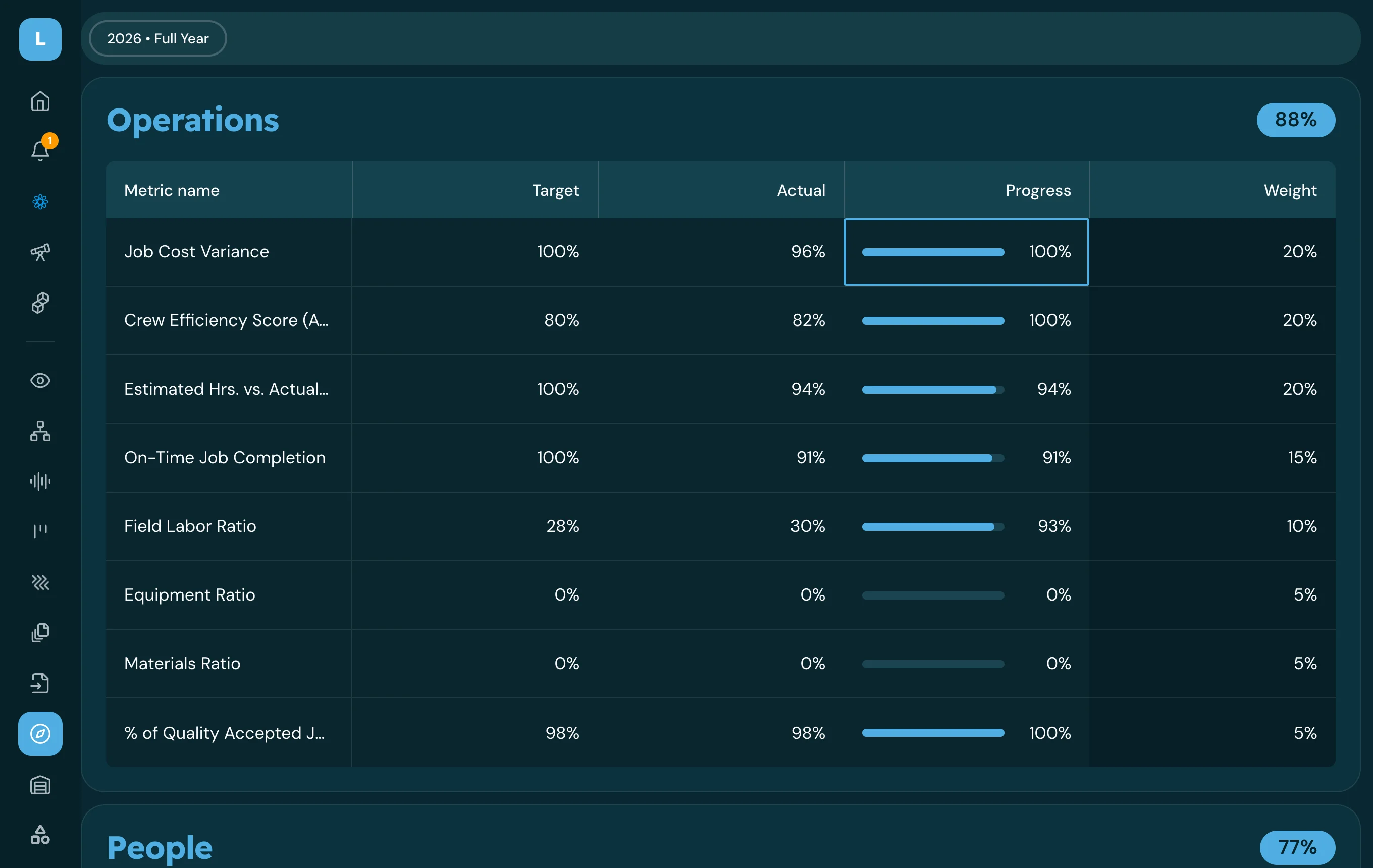
Run a weekly scorecard review
Walk into the weekly meeting knowing which numbers moved and which ones need a conversation.
You get: Scorecard review + priorities
See how →
Knowledge management
Find an answer from your company documents
Get the answer your policy or SOP already gives, with the document it came from.
You get: Answer + source document
See how →


Audit an estimate you already sent
Run it on a job you have finished and compare the audit to what actually went wrong.